

Unified search
Search all connected servers at once and find what you want faster.
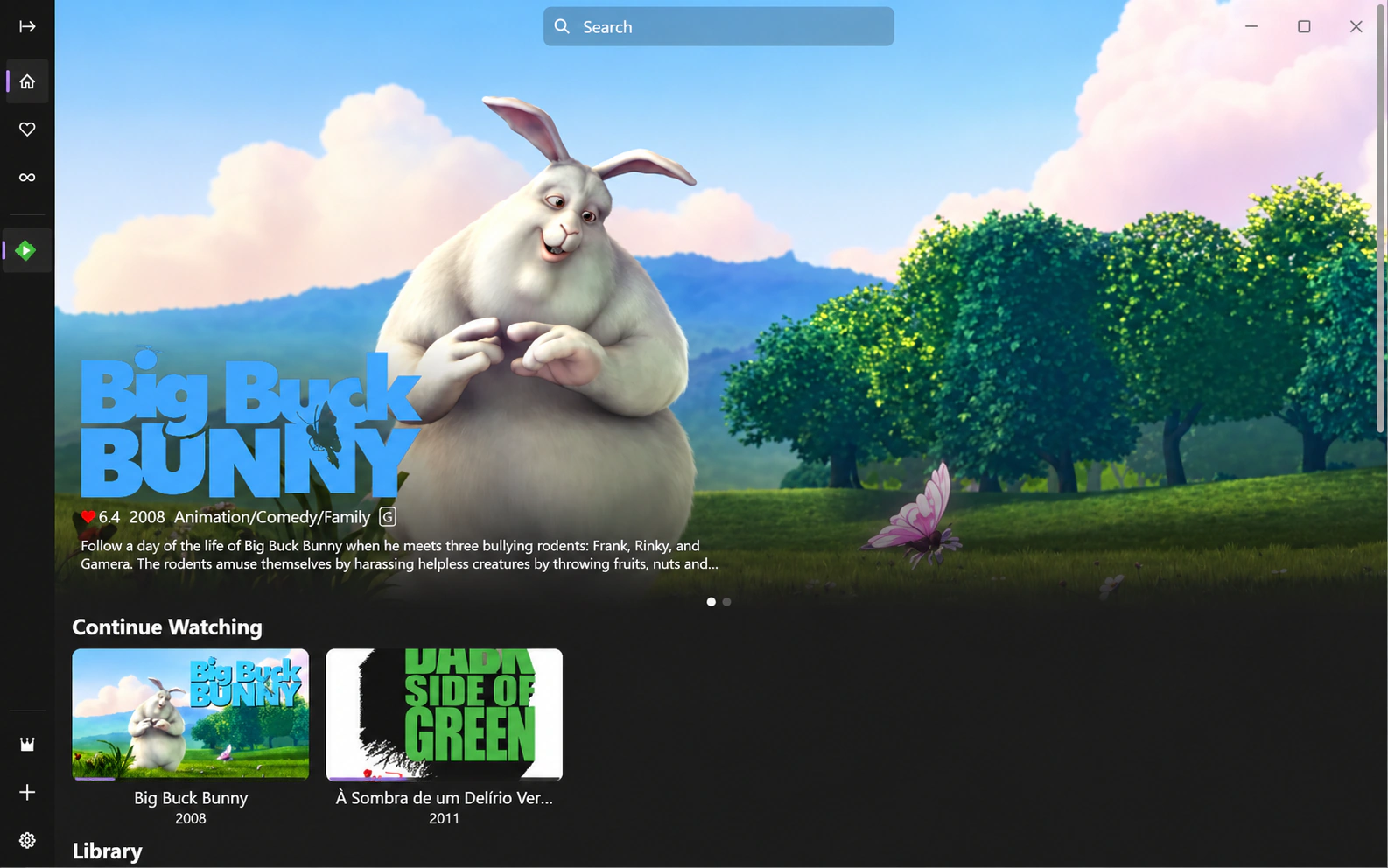

Search all connected servers at once and find what you want faster.
Find other available versions of a title and choose the source that fits.
Configure multiple routes for a server and switch as your network changes.
Preload part of the next episode while you watch to reduce the wait.
Load and match danmaku, with controls for speed, opacity, density, and filters.
Browse entry points and content from multiple servers in one place.
Get richer brightness, color, and detail on compatible devices and output chains.
Play a wide range of video, audio, and container formats.
Enhance animation in real time on supported platforms with adjustable processing.
Sync watched titles to Trakt and keep a record of your viewing history.
Search subtitles, display two tracks, and adjust fonts, position, and style.
No. Hills connects only to your own Emby or Jellyfin server.
Hills is currently available for Android and Windows from their official app stores.
No. Details of the media servers you add are not uploaded to Hills servers.
Choose your platform and connect your Emby or Jellyfin server.